
The Invisible Wedding Operating System: QR, NFC, Digital Passes and Real-Time Guest Journeys
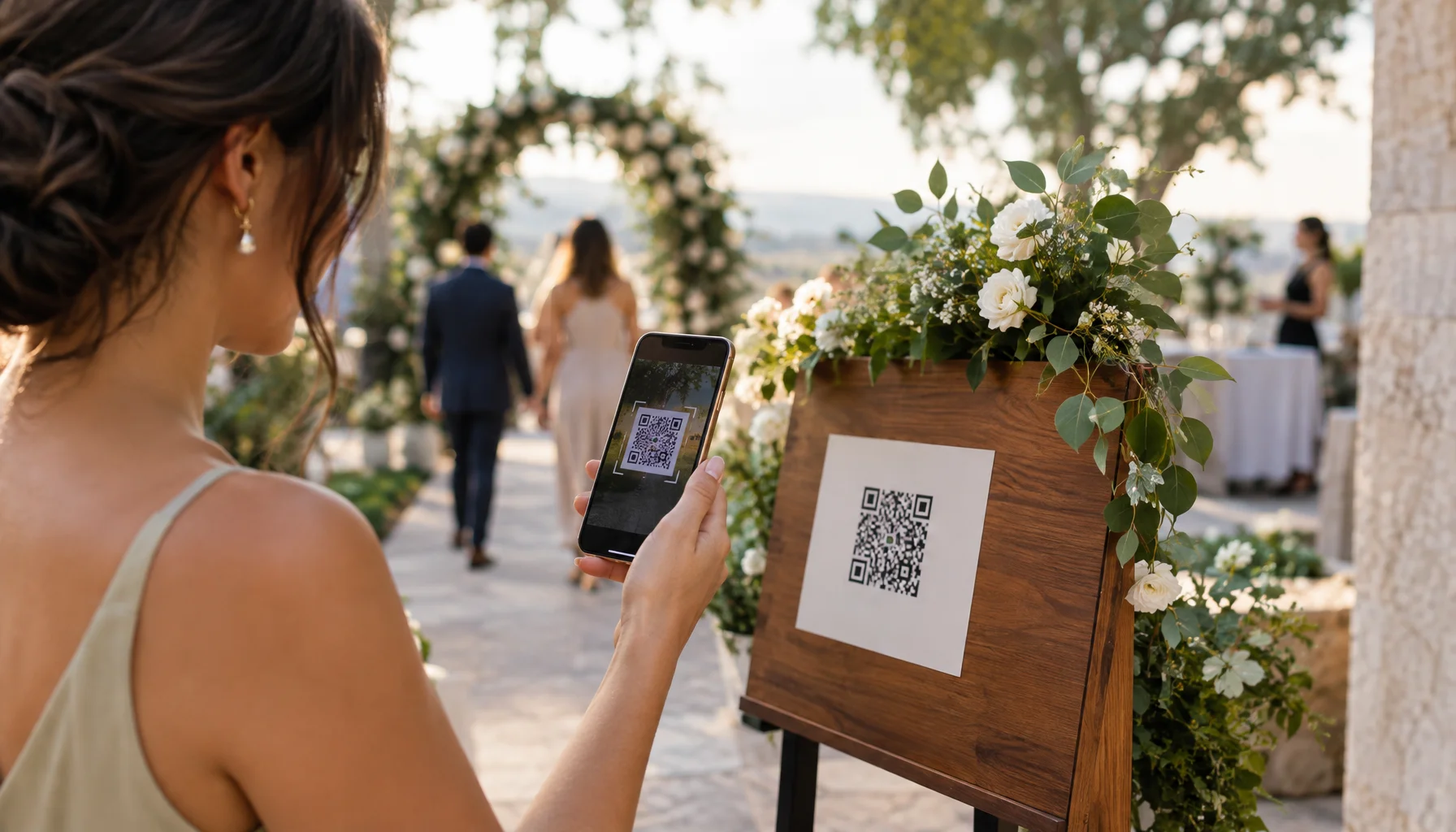
A wedding guest can receive an invitation months before the event, confirm attendance, submit dietary information, arrive at the venue, find a table, follow the schedule, upload photographs and receive a last-minute location change — yet every one of those interactions is often managed through a different message, spreadsheet, printed card or app.
Smart wedding technology becomes interesting when those fragments begin behaving like one system.
The goal is not to turn a celebration into an airport terminal. It is to make information appear where and when it is useful, while leaving the social experience as physical and human as before.
Smart does not mean more devices
The word smart is frequently attached to a product simply because it contains an app, wireless connection or screen.
A genuinely connected wedding works differently. Information already known by one part of the system can be reused by another part without asking guests or staff to recreate it manually.
If a guest has already accepted the invitation, selected a menu option and been assigned to Table 8, the arrival system should not need another spreadsheet containing a slightly different version of the same person.
Think about guest state instead of separate wedding tools
| Guest state | What the wedding may know | What the guest may need |
|---|---|---|
| Invited | Name, party, invitation status | Invitation and response path |
| Confirmed | Attendance, plus-one, preferences | Date, venue, travel and schedule information |
| Approaching the event | Confirmed attendance and relevant logistics | Current directions, timing and last-minute updates |
| Arriving | Identity, party and attendance state | Fast recognition and orientation |
| Checked in | Arrival status | Table, programme and immediate next step |
| Participating | Relevant event context | Programme, uploads, translations or interactive services |
| After the event | Participation history where appropriate | Photos, media, thank-you information or archive access |
The QR code is simple — the system behind it is what matters
QR codes are already ordinary event infrastructure. Current event platforms use them to identify tickets, scan arrivals and update attendance records in real time.
Wedding-specific systems now apply the same pattern directly to guest management. A guest can receive an individual code, use it during RSVP and present the same identity at reception, where staff see the relevant guest record and seating information.
The important distinction is between a QR code that merely opens a generic website and a code connected to useful state.
Three very different QR-code experiences
| Generic link | Contextual link | Guest-linked code | |
|---|---|---|---|
| What happens | Everyone opens the same page | The code opens information relevant to that location or moment | The system identifies a particular invitation, party or guest record |
| Wedding example | Wedding website | Menu, programme or photo-upload page | RSVP or guest check-in |
| Personal data requirement | Potentially none | Potentially none | Usually connected to personal guest information |
Arrival is the first place connected guest data becomes operational
Traditional arrival often depends on printed lists, seating charts and several people repeatedly answering the same questions.
Current wedding platforms can already scan QR codes, search guests by name, mark arrival and display table assignments from the same guest record.
German wedding-planning platform Unser Ja, for example, currently supports guest check-in by name or QR code and keeps day-of data locally available so helpers can continue working when venue connectivity is weak, then synchronize when the connection returns.
A seating plan no longer has to become obsolete when it is printed
Printed seating charts have one unavoidable property: they represent a snapshot.
A late cancellation, unexpected plus-one or table change can make that snapshot wrong before guests arrive.
Connected seating systems can instead update the guest record while preserving the same lookup interface. The guest searches a name or scans a code and sees the current assignment.
NFC replaces scanning with touching
Near Field Communication allows a compatible phone or wearable to exchange information over very short distance with an NFC tag or reader.
The NFC Forum lists access, hospitality, identity and customer-engagement applications among established NFC use cases. Simple NFC tags can also open a web address when tapped.
For weddings, the attraction is physical simplicity: a guest can touch a marked object rather than open the camera and frame a code.
| Possible NFC touchpoint | What the tap could open |
|---|---|
| Invitation | RSVP or updated wedding information |
| Hotel welcome card | Transport, breakfast and wedding-day schedule |
| Venue entrance | Guest information or check-in where the infrastructure supports it |
| Table | Menu, programme, translations or guest media |
| Photo installation | Upload page or shared gallery |
| Gift or favour | Thank-you message, story or digital keepsake |
| After-wedding card | Final gallery, film or archive when available |
The invitation can become a living digital pass
Digital wallets demonstrate a more sophisticated model than a static PDF invitation. Apple Wallet and Google Wallet already support event passes that can contain event information, barcodes and — with suitable infrastructure — NFC-based redemption.
Apple passes can be configured around time and location and can be updated when relevant details change. Google Wallet event tickets likewise support barcode or NFC redemption, event reminders and updates to pass information.
A wedding does not need ticketing in the commercial sense to learn from this pattern. A digital wedding pass could act as a compact current-state object containing the information a guest is most likely to need now.
What a wedding pass could become over time
Real-time updates are useful only when the information is worth interrupting someone
A connected system makes it technically easy to notify guests. That does not make every update notification-worthy.
Apple's own Wallet design guidance makes the same distinction: change messages should be reserved for time-critical information because notifications interrupt people.
What deserves an interruption?
| Notify | Update quietly | Usually avoid | |
|---|---|---|---|
| Examples | Venue change, transport disruption, major timing change | Updated menu detail, optional activity, minor programme refinement | Repeated reminders for information guests already know |
| Reason | Guest may make a wrong physical decision without the update | Useful when checked, but not urgent | Notification noise reduces attention to genuinely important messages |
The same guest does not need the same information all day
Before arrival, parking instructions may be critical. Once somebody is seated at dinner, they are no longer useful.
After dinner, the guest may care about the shuttle, photo upload, next programme point or where the evening celebration continues.
Smart systems become calmer when they surface the relevant layer instead of presenting one enormous wedding website and expecting guests to search through it repeatedly.
A QR code can also connect hundreds of private cameras
Guest photography is another useful connected-system pattern. Instead of requesting photographs through several messaging apps after the wedding, a shared link can create one upload destination during the event.
Current wedding services such as Wed.tv and Wedzy allow guests to scan a QR code and upload photographs or video from a browser without installing a dedicated guest app.
This works especially well as contextual infrastructure: the code can sit where guests are likely to create media instead of being buried inside an email received six months earlier.
Connected systems can control the room as well as information
Smart Technology also extends beyond the guest's phone. Lighting, media playback, screens and other technical systems can respond to shared cues rather than being operated as unrelated devices.
The useful concept is not that a lamp is connected to Wi-Fi. It is that the environment can move between prepared states: arrival, ceremony, dinner, speeches, first dance and late evening.
When that synchronization becomes a deliberate part of what guests are meant to perceive, Smart Technology crosses naturally into Experiences.
One source of truth is more important than one app
A connected wedding does not require every function to come from the same software company.
It does require clarity about which system owns important facts.
| Information | Define one authoritative source |
|---|---|
| Guest identity | Master guest list |
| Attendance | RSVP / guest-management system |
| Seating | Current seating plan |
| Wedding schedule | Current production schedule |
| Guest-facing programme | Published guest information layer |
| Arrival state | Check-in system |
| Professional media | Photographer / filmmaker delivery archive |
| Guest media | Dedicated guest-upload collection where used |
The Smart Wedding Infrastructure Flow
Build the connected layer from the guest journey
Every smart layer needs a dumb fallback
Guests forget phones. Batteries die. Cameras refuse to focus on damaged QR codes. Networks disappear inside historic buildings. Software sessions expire.
A robust system assumes this will happen to somebody.
| Smart function | Fallback |
|---|---|
| QR check-in | Search guest by name |
| NFC touchpoint | QR code or visible URL |
| Digital pass | Email or accessible web information |
| Online seating lookup | Coordinator access to local or printed backup |
| Cloud guest list | Cached/offline guest list where operationally necessary |
| Automated cue | Manual control |
| Guest photo upload | Upload later after connectivity returns |
Connected guest journeys also connect personal data
A wedding guest system can contain names, relationships, attendance, contact information, dietary information, table assignments, accessibility notes and arrival status.
For organisations processing personal data under the GDPR, European data-protection principles include purpose limitation, data minimisation, storage limitation, integrity and confidentiality. In practical terms, a connected system should not collect information simply because a field exists.
- Collect only information actually needed for the wedding function.
- Do not expose internal notes through guest-facing interfaces.
- Separate public wedding information from guest-specific data.
- Define who among planners, venues and helpers can access which information.
- Avoid placing unnecessary personal information directly inside a visible QR code.
- Know where the platform stores the data and how access is controlled.
- Decide when operational guest data should be deleted or reduced after the event.
Smart technology should create additional access, not a digital entrance requirement
Not every guest has the same device, eyesight, dexterity, connectivity, confidence or interest in scanning things.
A wedding becomes less accessible if a smartphone is required to discover where to sit, understand essential instructions or participate in basic hospitality.
The strongest design uses digital access as an additional route while keeping staff, signs or other human-readable alternatives available where the information is essential.
The guest may not need another app
Many current wedding services deliberately avoid requiring guests to install an application. Browser-based QR workflows can handle check-in, seating and media uploads directly from a normal phone.
That can reduce onboarding friction for a one-day event. Installing an app becomes justified only when the capabilities it provides are worth the additional account, permission and support burden.
Smart Technology is a strong partner category because implementation can be demonstrated
A future Loving Rocks Smart Technology Showcase should not simply review a wedding app's feature list.
It should follow a real guest journey and show where technology removed friction — and where a human or low-tech fallback remained better.
Future Loving Rocks Smart Technology Showcase
Where Smart Technology sits inside Loving Rocks
This belongs directly in Smart Technology under Technology: connected wedding systems, contextual information, smart interfaces and infrastructure that coordinates physical and digital parts of the event.
When those connected systems begin deliberately changing what guests perceive or participate in, they cross into Experiences. When algorithms generate or interpret content, they may also connect semantically to AI & Generative.
Frequently asked questions
Smart wedding technology
Can guests check into a wedding with a QR code?
Can NFC be used at a wedding?
Could a wedding invitation be stored in Apple Wallet or Google Wallet?
Should every guest have to use a smartphone?
What happens if the venue has poor internet?
What makes a wedding system genuinely smart?
Glossary
Key Smart Technology terms
- QR code
- A two-dimensional machine-readable code commonly scanned with a phone camera to open information or identify a record.
- NFC
- Near Field Communication, a short-range wireless technology used for tap-based information exchange, access, payments and other proximity interactions.
- Digital pass
- A structured digital object stored in a wallet application that can contain event information, identifiers and context-sensitive updates.
- Guest state
- The current status of a guest within the wedding workflow, such as invited, confirmed, arrived or checked in.
- Source of truth
- The authoritative system or dataset from which a particular piece of information should be read and changed.
- Contextual interface
- An interface that presents information appropriate to the user's current place, time or state rather than exposing every available function at once.
- Offline-first
- A design approach in which essential functionality remains usable when network connectivity is absent or unstable and synchronizes later where appropriate.
- Graceful fallback
- A simpler alternative that preserves the essential function when the preferred digital workflow fails.
The smartest wedding may look almost completely analogue
Guests do not need to know that an arrival status updated a central guest list, that the table lookup changed seconds after a seating adjustment or that a digital pass contains the latest transport information.
They need to arrive calmly, know where to go and spend less time solving administrative problems.
That may be the most useful definition of smart wedding technology: not a wedding filled with connected objects, but a connected infrastructure that allows people to think about the wedding less.
Primary technology and current implementation sources
Apple Developer — Getting Started with Apple WalletOfficial Apple documentation covering event and generic passes, time and location relevance, updates, barcode scanning and NFC-enabled pass use.
Google Wallet — Event TicketsOfficial Google documentation for digital event tickets, barcode and NFC Smart Tap redemption, distribution and event reminders.
NFC Forum — NFC Use CasesIndustry standards organisation overview of current NFC applications including access, hospitality, identity and engagement.
Eventbrite — QR Event Check-InCurrent implementation of mobile ticket scanning, manual attendee lookup, validation and check-in state.
Unser Ja — Wedding PlannerCurrent wedding-specific implementation combining schedules, guest lists, QR check-in, table information and offline day-of functionality.
Wedzy — Wedding Guest MediaCurrent wedding-specific QR workflow for browser-based guest photo and video uploads, including delayed upload after poor connectivity.
European Commission — GDPR PrinciplesEuropean Commission guidance on purpose limitation, data minimisation, storage limitation, integrity, confidentiality and other personal-data processing principles.
Related Articles
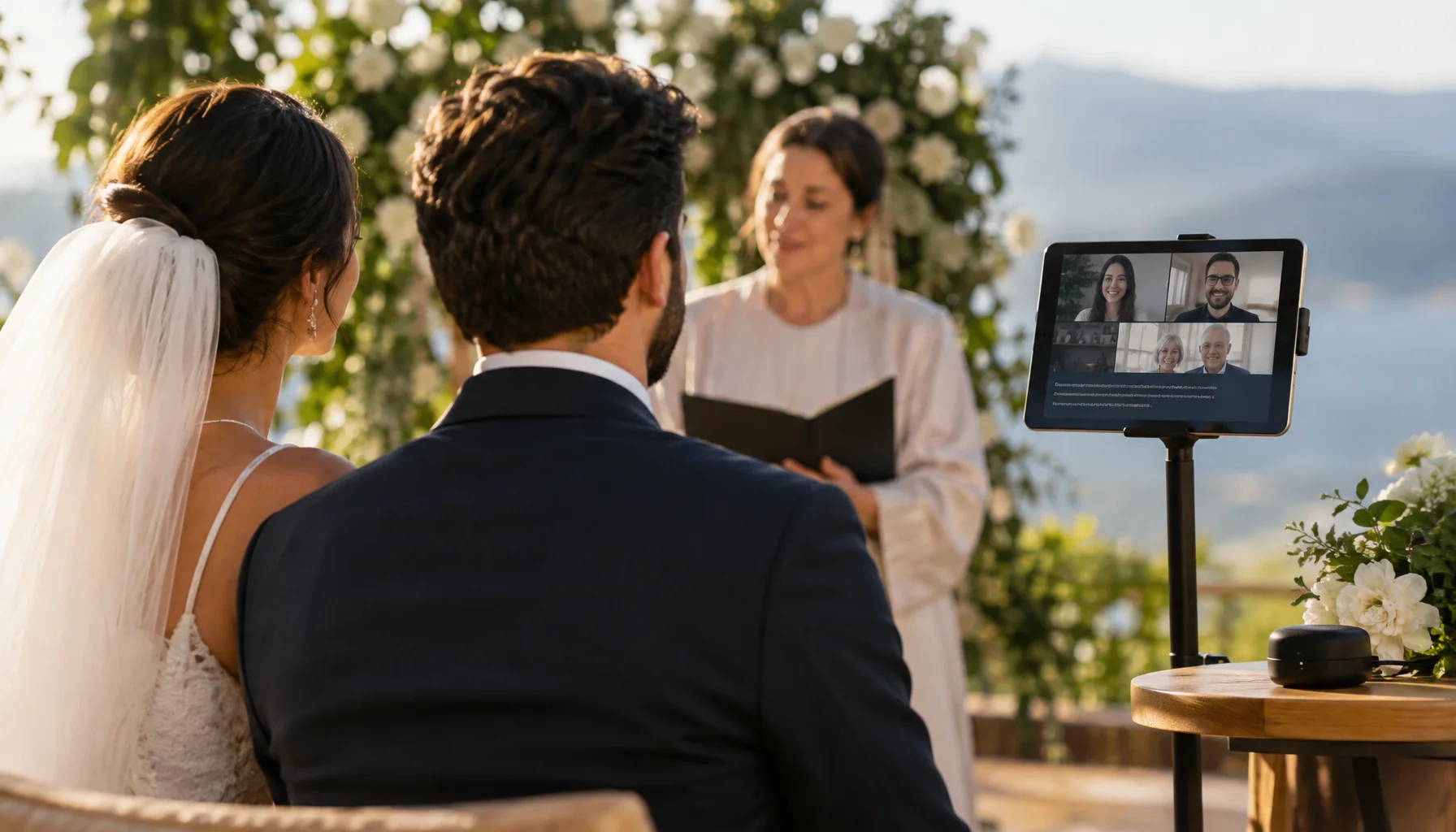
Wedding Technology Should Disappear: Translation, Captions and Shared Presence
The best wedding technology does not demand attention. It helps people understand a ceremony, hear what matters, participate across languages or distance, and then recedes into the background. This guide looks at live translation, captions, remote participation and AI-assisted communication as experience infrastructure rather than wedding gadgets.

Should a Robot Serve Your Wedding? Where Automation Helps — and Where Humans Still Matter
Robots can already serve drinks, transport trays, greet guests, enable remote presence and perform at events. But a wedding is not a factory floor. This guide separates useful automation from novelty and asks where robots can genuinely improve service, access and experience — without automating away the human parts people came to celebrate.
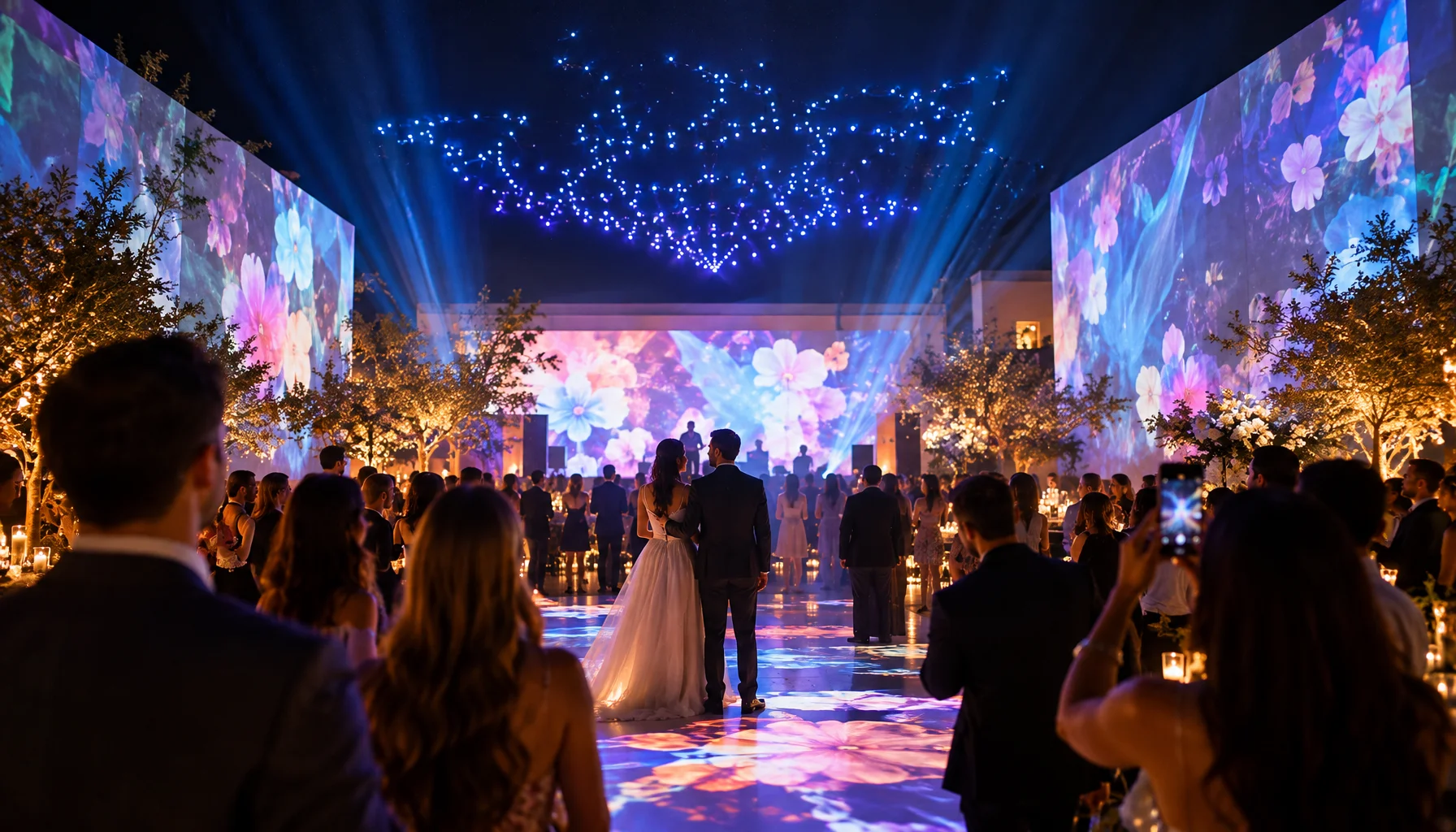
Designing a Wedding Guests Can Enter: Light, Sound, Projection and Participation
The most memorable wedding experiences are rarely created by one spectacular device. They emerge when space, light, sound, movement and participation change together at the right moment. This guide explores projection mapping, interactive environments, spatial sound, drone shows and experiential choreography — and how to design them around the people in the room rather than the technology behind them.