
Wedding Technology Should Disappear: Translation, Captions and Shared Presence
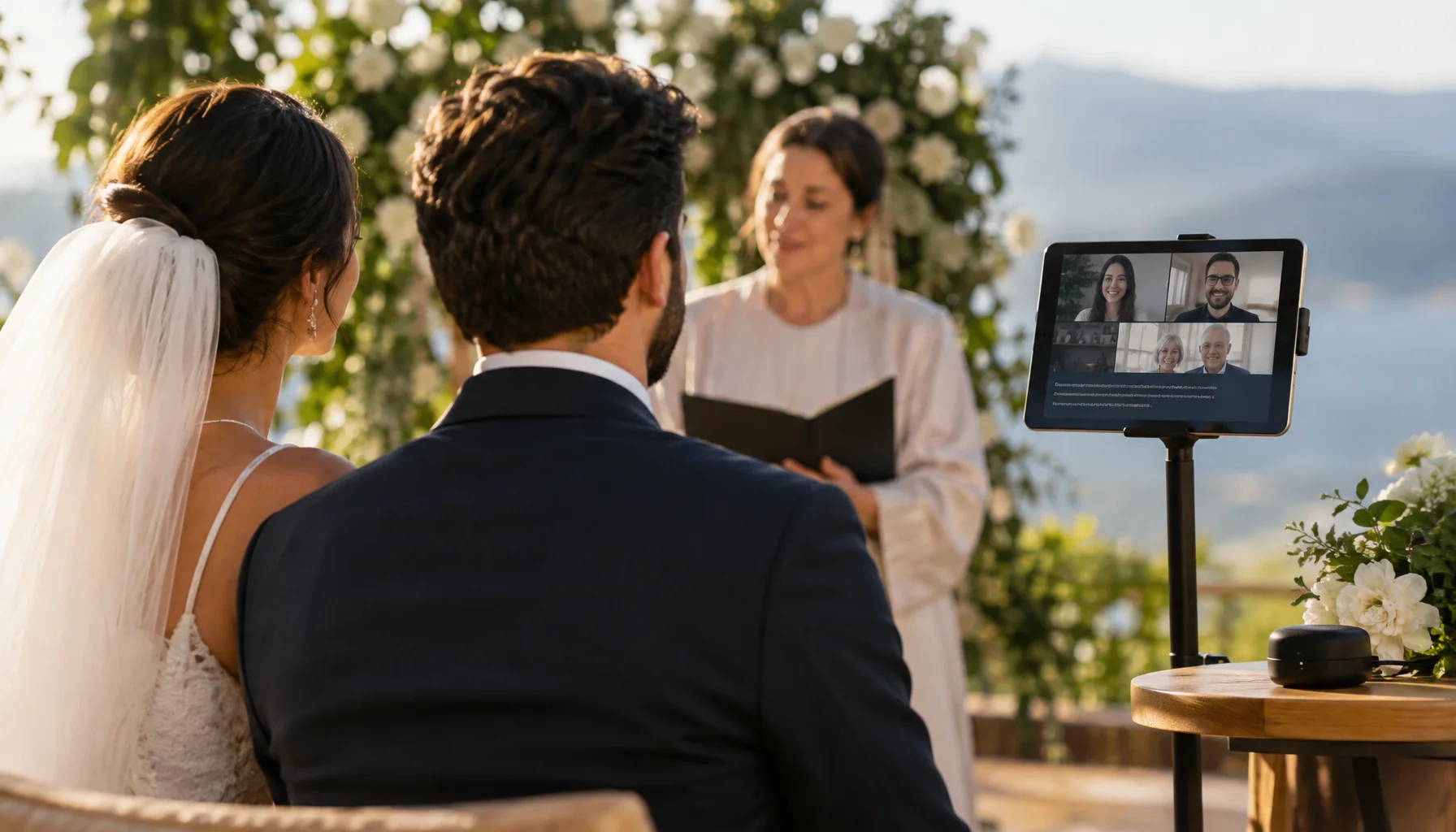
Wedding technology is often shown through spectacle: screens, drones, robots, projection, AI and increasingly elaborate ways to make an event look futuristic. But the most consequential technology may be much quieter. A grandmother understands vows spoken in another language. A deaf guest can follow a speech. Someone unable to travel can participate without feeling like they are watching a security camera. A multilingual family can hear the same ceremony without forcing one language to dominate every moment.
In those cases, technology is not the attraction. It is infrastructure for participation.
Start with the barrier, not the technology
A technology-first wedding brief sounds like this: we want AI, holograms, live translation and an interactive screen.
An experience-first brief sounds different: half of our families do not share a language; two important guests cannot travel; one guest has significant hearing loss; we want remote relatives to participate during the ceremony rather than merely watch it; and we want the technology to remain visually unobtrusive.
The second brief can still lead to sophisticated technology. The difference is that every system now has a job.
The Wedding Technology Value Test
What is the technology actually improving?
| Question | Strong reason | Weak reason | |
|---|---|---|---|
| Access | Does it let someone participate who otherwise could not? | Captions, translation, remote participation, assistive display | Adding another screen where nobody needs one |
| Understanding | Does it help guests understand what is being said or done? | Translated vows, captions, contextual ritual explanation | Information overlays that distract from the ceremony |
| Presence | Does it reduce the feeling of distance? | Designed two-way remote participation | A passive livestream nobody at the venue acknowledges |
| Expression | Does it enable an experience that could not exist otherwise? | Interactive media, responsive visuals, spatial communication | Technology added only because it looks futuristic |
| Memory | Does it preserve something meaningful? | Transcripts, translated archive, spatial or voice capture | Disposable digital effects with no lasting role |
Language is one of the clearest problems technology can now reduce
International weddings frequently contain an uncomfortable compromise. One language dominates the ceremony while part of the room understands only fragments, or every sentence is manually repeated in two languages until the ceremony loses rhythm.
Real-time speech recognition and translation create another option. The spoken ceremony can remain in its primary language while selected guests receive captions or translations on personal devices or dedicated displays.
This is no longer speculative technology. Current mainstream systems already perform live transcription and translation. Windows Live Captions can process microphone audio and, on supported Copilot+ PCs, translate speech from more than forty languages into English while processing audio on the device. Microsoft Teams and Zoom also provide multilingual captioning and translation in supported configurations.
The best translation interface may be personal rather than architectural
A giant translated sentence projected behind the couple solves one problem while creating another: everyone is now visually directed toward technology.
For many weddings, a better implementation may be selective. Guests who need translation can follow captions on a phone, tablet, small receiver or another personal interface while everyone else experiences the ceremony normally.
That allows language support to exist without redesigning the visual identity of the ceremony around a screen.
Captions are not only a translation feature
Live captions can also make spoken content more accessible to deaf and hard-of-hearing guests, people who process speech more easily through text, and guests who struggle to follow a speaker because of distance, acoustics or accent.
Apple and Microsoft both now treat live captioning as system-level accessibility infrastructure rather than a specialist application. Current Apple devices support live transcription in supported contexts, while newer Apple systems also provide generated and translated subtitles for supported media.
That matters conceptually for weddings: accessibility technology is moving into ordinary consumer devices. A couple may no longer need a custom hardware installation simply to make text available to one guest.
Real-time translation is useful precisely because it is imperfect
Automated captions and translations should not be treated as infallible ceremony transcripts. Product documentation from major platforms explicitly warns that live caption accuracy can vary.
Weddings are also unusually hostile environments for speech recognition: music, applause, reverberant rooms, wind, simultaneous conversations, emotional voices, unusual names and people speaking away from microphones.
The correct design response is not to reject the technology. It is to understand its role. Automated translation can provide useful access and context while especially sensitive legal, religious or culturally precise material may still deserve a prepared human translation or interpreter.
Better AI does not remove the need for a good microphone
Speech recognition begins with sound. A translation system cannot reliably interpret speech that never reaches it clearly.
Microsoft's own caption guidance recommends speaking clearly and close to the microphone, reducing background noise and avoiding overlapping speakers. Those constraints become especially important in a wedding venue.
That creates a direct bridge between Technology and Audio: microphone placement, venue feeds and dedicated speech capture may determine the quality of an AI caption or translation system more than the model specification advertised on the software page.
The Live Translation Chain
What has to work before a guest sees the translated sentence
Translation is moving from subtitles toward translated speech
The next layer is not simply faster captions. Current realtime translation models can already process continuous live audio and produce both translated text and translated speech.
Microsoft's current GPT Realtime Translate architecture, for example, is designed for continuous low-latency audio translation rather than translating only completed text segments. Its documented use cases include multilingual live events and broadcasts.
For weddings, that points toward a future in which a guest could listen through an earpiece to a translated ceremony while the original speaker continues naturally in the room.
Understanding the words does not automatically mean understanding the ritual
Translation can tell a guest what an officiant said. It cannot automatically explain why a gesture matters, what a symbolic object represents or why one family reacts differently from another.
International weddings often combine different social rhythms as well as languages. Loving Rocks has already explored how families can carry different expectations around participation, timing, hospitality, ritual and emotional expression.
The strongest technology layer therefore translates language without pretending that language is the whole culture.
Translated vows still need to feel like vows
Vows are an especially difficult translation target because their effect comes from more than lexical meaning. Pace, hesitation, repetition, emphasis and emotional delivery all shape how they are received.
A useful multilingual system should therefore help guests follow the promise without encouraging them to spend the entire vow staring at a device.
Remote presence should be designed as participation, not surveillance
Streaming a wedding is technically easy. Making a remote guest feel present is harder.
A fixed wide camera at the back of a venue may prove that the ceremony happened, but it gives the remote guest little social connection to the room.
A more intentional setup can include a dedicated camera, direct ceremony audio, a person responsible for the remote connection, captions where useful and a planned moment in which the couple or family acknowledges the people joining from elsewhere.
The Remote Wedding Participation Ladder
| Level | Remote experience | What it requires |
|---|---|---|
| Watch | Guest sees and hears the ceremony | Reliable livestream and clear audio |
| Understand | Guest also receives captions or translation | Speech capture plus caption/translation layer |
| Be acknowledged | Couple or family recognizes remote guests during the event | Planned ceremony or reception moment |
| Contribute | Remote guest gives a reading, message, toast or response | Two-way audio/video and a managed cue |
| Share space | Remote presence becomes a designed visual or spatial element | Dedicated displays, staging or immersive presence technology |
Wedding technology needs an offline answer
A wedding is a poor place to discover that a system depends on one venue Wi-Fi access point.
The more important the function, the stronger its fallback should be. If a decorative projection fails, the wedding continues. If the only translation channel for half the family fails during the ceremony, the consequence is much larger.
On-device processing can reduce some dependencies. Windows Live Captions, for example, can perform caption processing locally and can work without an internet connection after the required language components are available. That does not eliminate power, microphone or device failure, but it changes the infrastructure boundary.
The Technology Criticality Matrix
How much redundancy does the technology deserve?
| Technology role | If it fails | Planning response | |
|---|---|---|---|
| Decorative | Visual atmosphere or optional effect | Experience becomes less spectacular | Graceful visual fallback |
| Enhancement | Improves understanding or experience | Guests lose a useful layer | Simple alternative available |
| Accessibility | Allows a guest to understand or participate | A person may effectively be excluded | Redundancy should be planned |
| Ceremony-critical | Carries information necessary for a major ritual or remote participant | Meaningful part of the ceremony cannot function as intended | Tested fallback and human responsibility |
Someone should own the technology during the wedding
Technology becomes disruptive when responsibility is ambiguous. The photographer assumes the planner handles the livestream. The planner assumes the venue controls the Wi-Fi. The venue assumes the family brought the translation tablet.
If a system matters, one person or production team needs explicit ownership of setup, testing, operation and fallback.
The Human-First Technology Brief
Plan technology without letting technology plan the wedding
A microphone for AI is still a microphone
Captioning, translation and AI-assisted speech systems process spoken language. Couples should understand whether that processing happens on the device or in a cloud service, whether transcripts are retained and who controls the account used for the event.
Different platforms have different architectures. Microsoft's Windows Live Captions documentation states that its local live-caption audio processing remains on the device, while meeting and event platforms may use service infrastructure according to their own product and account configuration.
AI should not become the wedding's social interface
There is a temptation to extend wedding AI from useful assistance into constant mediation: automated guest messaging, generated vows, AI hosts, synthetic voices, automatic emotional summaries and systems that attempt to interpret the day in real time.
Some of those functions may become useful. But efficiency is not always the correct objective at a wedding. A ceremony contains precisely the kinds of human ambiguity, hesitation and imperfect communication that do not always need optimization.
Loving Rocks has explored that broader planning boundary separately: AI can be useful for administrative and analytical work without becoming the authority for every personal decision.
What is genuinely available now?
| Capability | Status in 2026 | Wedding use | Main limitation |
|---|---|---|---|
| Live speech captions | Mainstream consumer and meeting technology | Ceremony, speeches, remote guests, accessibility | Accuracy depends heavily on speech and audio quality |
| Live translated captions | Commercially available | Multilingual ceremonies and remote participation | Language support, latency and translation errors vary |
| Realtime translated speech | Available in modern AI and conferencing systems | Interpreter-style listening and remote events | Needs careful testing for names, emotion and noisy venues |
| Remote two-way participation | Mature | Guests unable to travel, readings, speeches, family participation | Good production needs more than opening a laptop |
| On-device speech processing | Available on selected modern devices | Privacy-sensitive captions and lower cloud dependence | Hardware and language availability vary |
| AI-generated ceremony meaning | Technically easy | Possible as writing assistance | Human, cultural and ritual judgment should not be outsourced automatically |
A Technology Showcase should demonstrate the system under real conditions
Technology is especially suitable for Loving Rocks showcase content because technical claims can be tested against actual experience.
A useful provider feature should not say only that a company offers AI translation or hybrid weddings. It should show the languages involved, the venue conditions, microphone path, guest interface, latency, fallback and what happened when real people used the system.
Future Loving Rocks Technology Showcase
Technology ends where experience begins
The interesting future wedding is not necessarily the one with the most technology. It is the one in which new capabilities allow a celebration to work differently.
Once technology stops being infrastructure and begins deliberately reshaping what guests see, hear and do — interactive projection, responsive rooms, participatory installations, synchronized environments or spatial experiences — the subject changes.
Questions worth answering before adding wedding technology
Wedding technology
Can wedding vows be translated live?
Can live captions help guests at an in-person wedding?
Should we replace a human interpreter with AI?
What makes a remote wedding guest feel included?
Does wedding technology need internet access?
What is the most important wedding technology question?
Glossary
Key wedding-technology terms
- Live captions
- Automatically generated text representing speech as it is spoken or played.
- Live translated captions
- Real-time captions translated from the detected or selected source language into another language for the viewer.
- Speech recognition
- Technology that converts spoken language into machine-readable text or representations that can be processed further.
- Speech-to-speech translation
- A workflow in which spoken language is interpreted and rendered as spoken output in another language, rather than stopping at translated text.
- On-device processing
- Computation performed locally on the user's device rather than sending the relevant processing task to a remote cloud service.
- Remote presence
- Technology and interaction design intended to let a person participate in an event from another physical location rather than only consume a recording.
- Graceful fallback
- A simpler alternative that allows the essential experience to continue when a more advanced technology fails.
- Assistive layer
- Technology that helps a person access or understand an experience without becoming the primary authority for the underlying content.
The best technology may be the technology nobody remembers using
A successful wedding translation system does not need guests to leave talking about speech recognition. It needs them to understand the vows.
An accessible caption system succeeds when someone can follow a speech independently. A remote-presence system succeeds when distance matters a little less. An AI system succeeds when it removes friction without quietly taking ownership of the human decision.
That is a more useful definition of a technologically advanced wedding than the number of screens in the room.
Primary technology sources
Microsoft — Windows Live CaptionsCurrent Microsoft documentation for system-level live captions, microphone input, on-device processing and translated captions on supported Copilot+ PCs.
Microsoft Foundry — GPT Realtime TranslateOfficial documentation for continuous low-latency realtime audio translation with translated speech and text output for live multilingual scenarios.
Microsoft Teams — Multilingual Speech RecognitionCurrent Microsoft documentation for multilingual speech recognition, translated captions, transcripts and speech-to-speech interpretation in supported meeting configurations.
Apple — Live Captions on iPhoneApple documentation for real-time transcription of device audio and live conversations using supported iPhone accessibility features.
Apple — Generated and Translated SubtitlesCurrent Apple documentation for automatically generated and translated subtitles on supported devices and media.
Zoom — Translated CaptionsCurrent Zoom documentation listing supported languages and behavior for translated meeting captions.
Related Articles
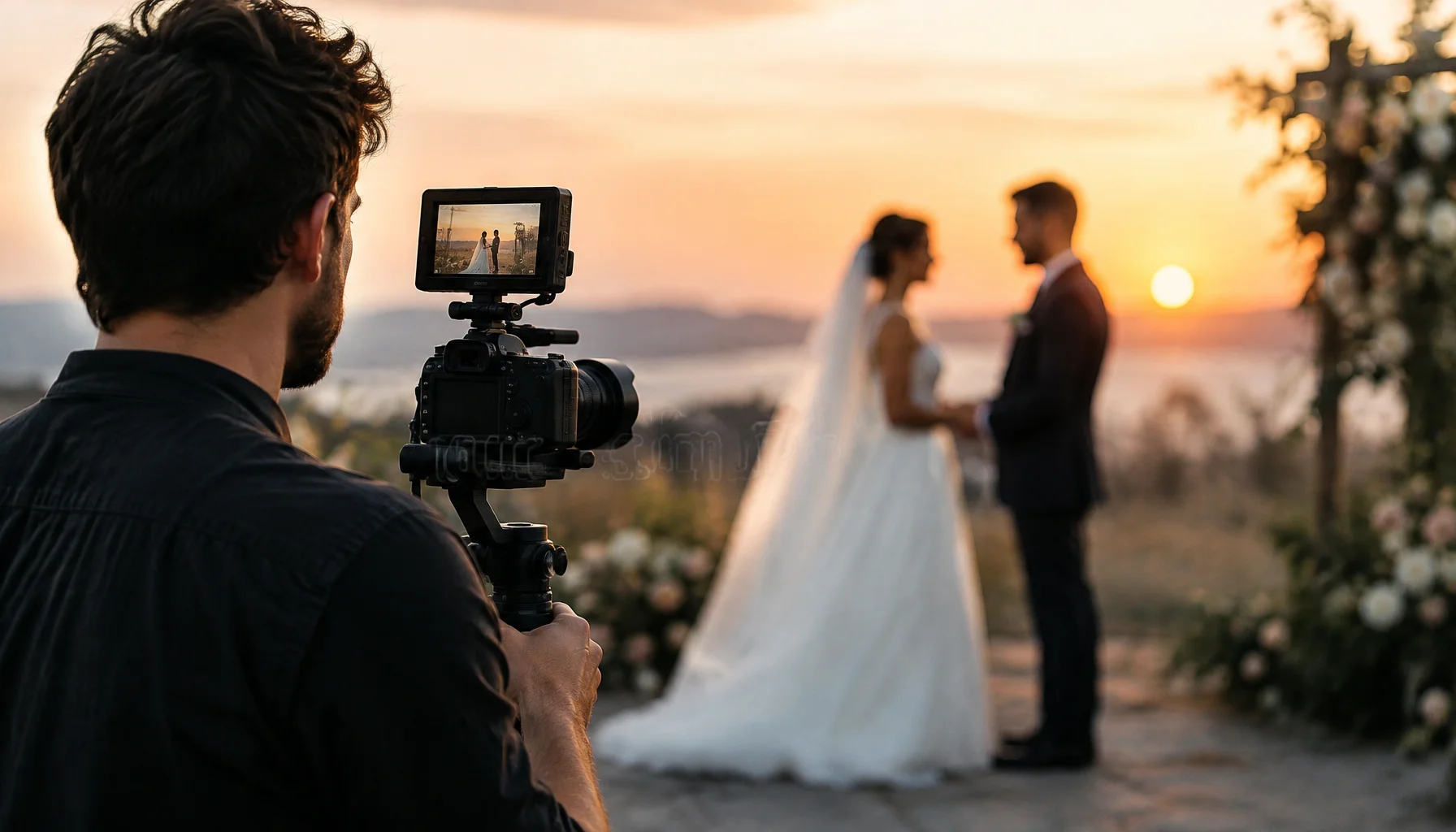
When a Wedding Becomes a Film: What Motion, Sound and Sequence Add to Memory
Wedding film preserves more than moving images. It can hold voice, pauses, movement, chronology and atmosphere — while editing also shapes how the day will later be remembered. This guide explores documentary, narrative, same-day and experimental wedding-film formats, how they are produced, and what couples should decide before cameras roll.
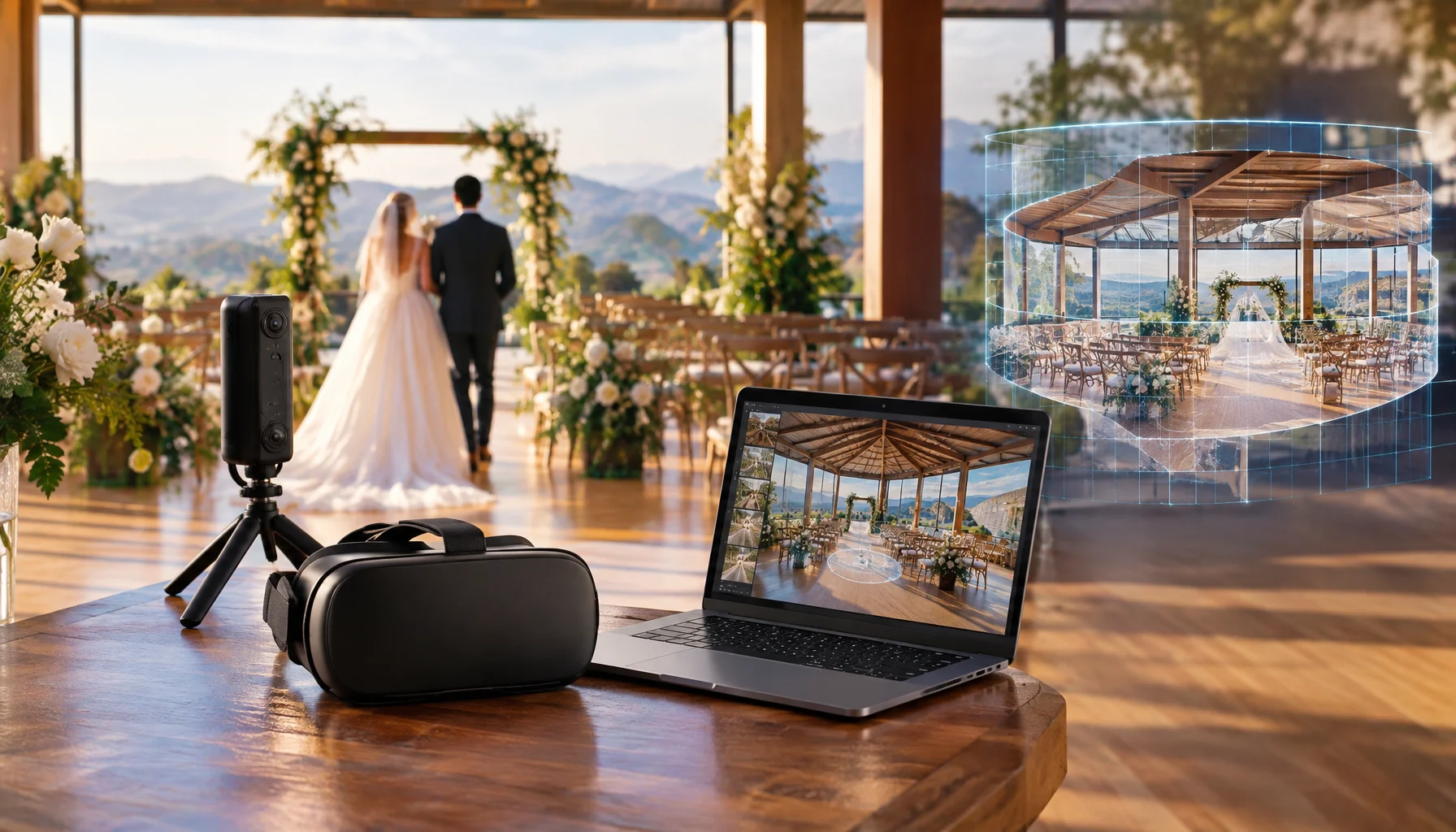
Can You Return to a Wedding? Spatial Video, 3D Venues and the New Memory Layer
Wedding media has traditionally preserved a view of the day. Spatial video, 3D capture, photogrammetry, 180° VR and volumetric video begin asking a different question: can part of the wedding be preserved as a space you can later revisit? This guide separates what is already practical from what remains complex, expensive or experimental.
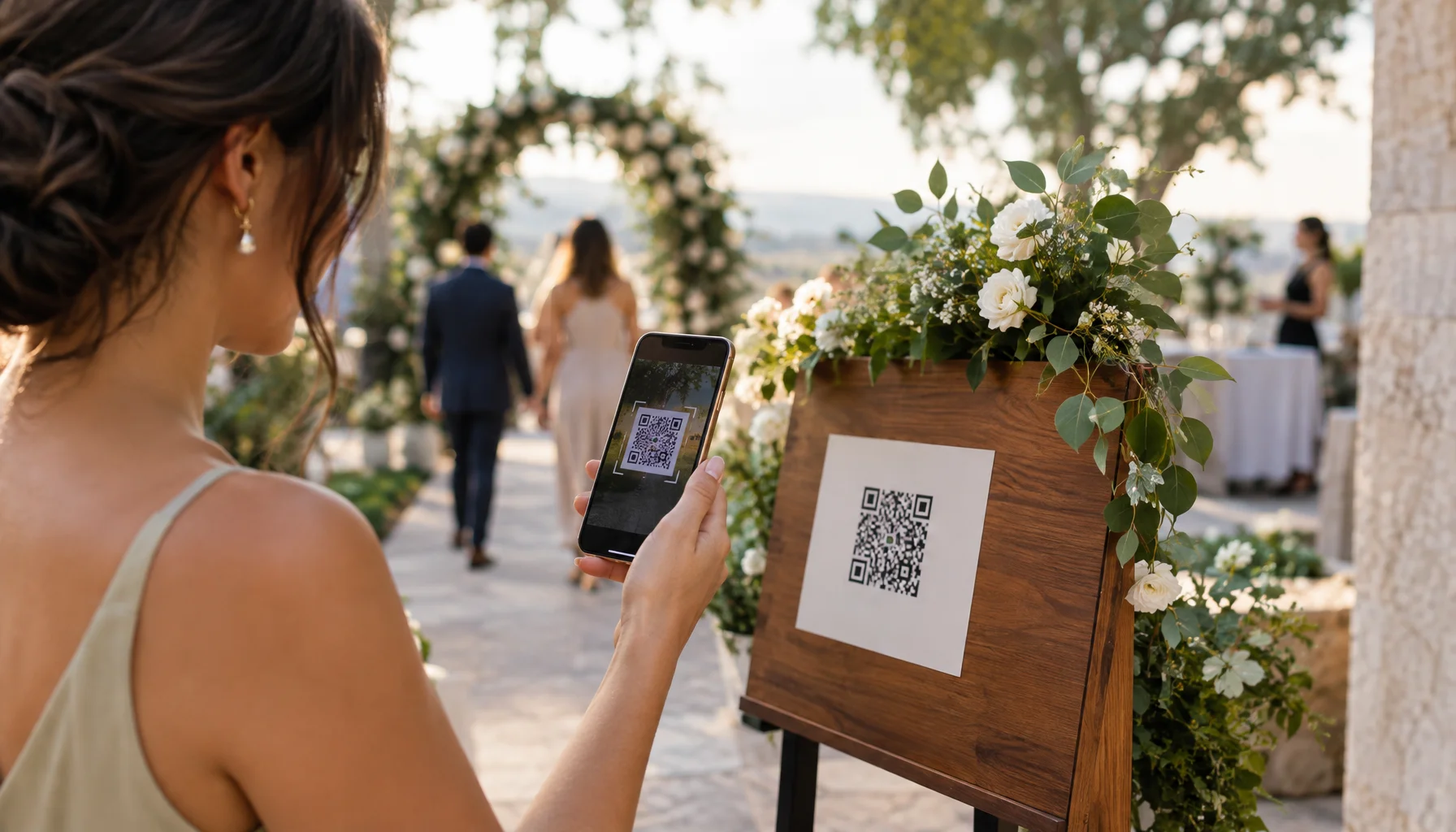
The Invisible Wedding Operating System: QR, NFC, Digital Passes and Real-Time Guest Journeys
Smart wedding technology does not need to look futuristic. A QR code can replace a queue, an NFC tap can reveal the right information at the right place, a digital pass can change when the schedule changes, and one connected guest list can follow someone from RSVP to seating and arrival. The real opportunity is not more screens — it is a wedding that quietly knows what information people need and when they need it.
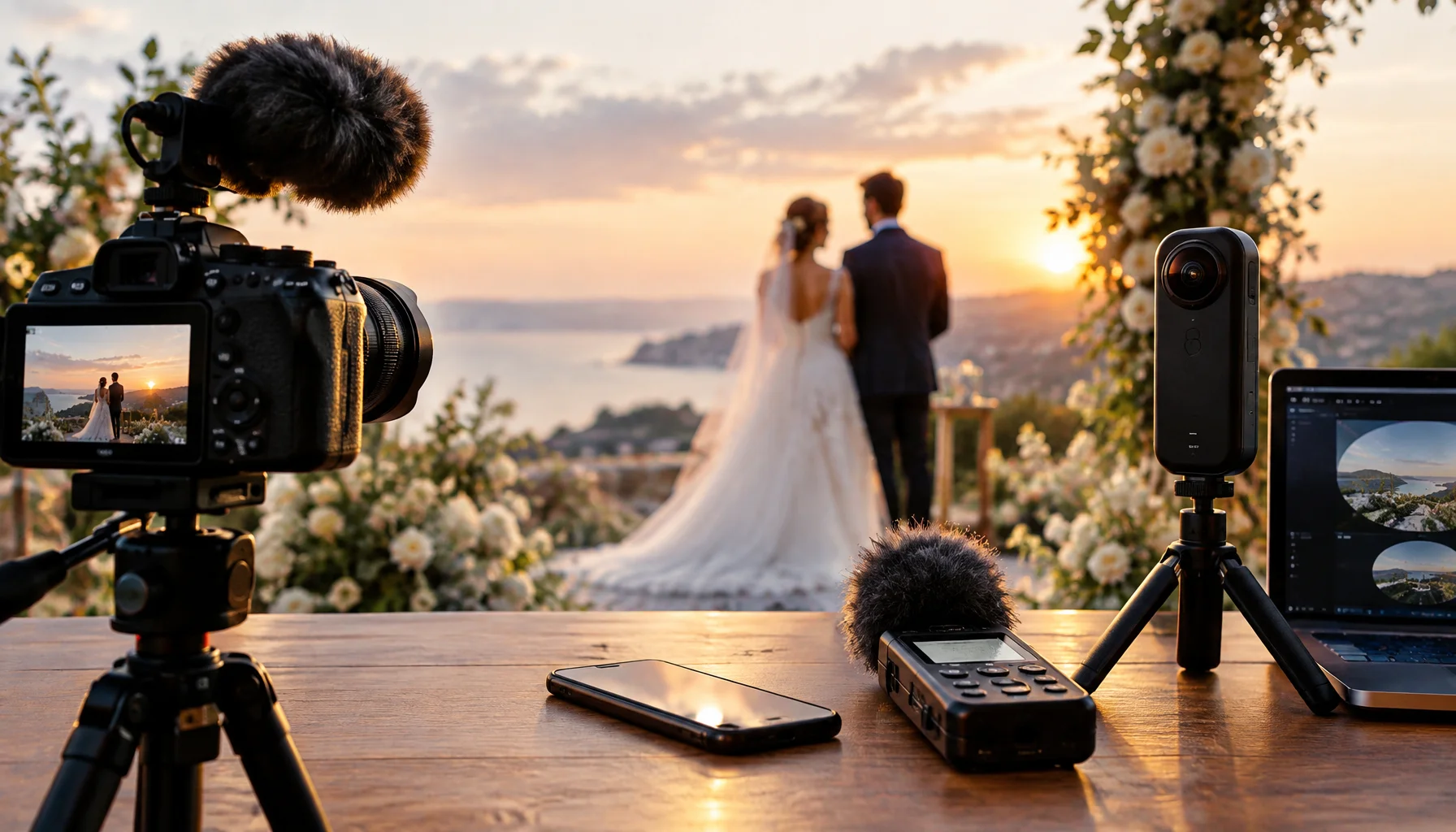
The Wedding Beyond the Photograph: What Film, Sound and Spatial Media Let Us Keep
A wedding no longer has to survive only as a set of photographs. Film can preserve movement, audio can retain voices and atmosphere, and spatial media can begin to record the shape of a place itself. The more interesting question is not which format is newest, but what each medium is capable of carrying forward.

Should a Robot Serve Your Wedding? Where Automation Helps — and Where Humans Still Matter
Robots can already serve drinks, transport trays, greet guests, enable remote presence and perform at events. But a wedding is not a factory floor. This guide separates useful automation from novelty and asks where robots can genuinely improve service, access and experience — without automating away the human parts people came to celebrate.
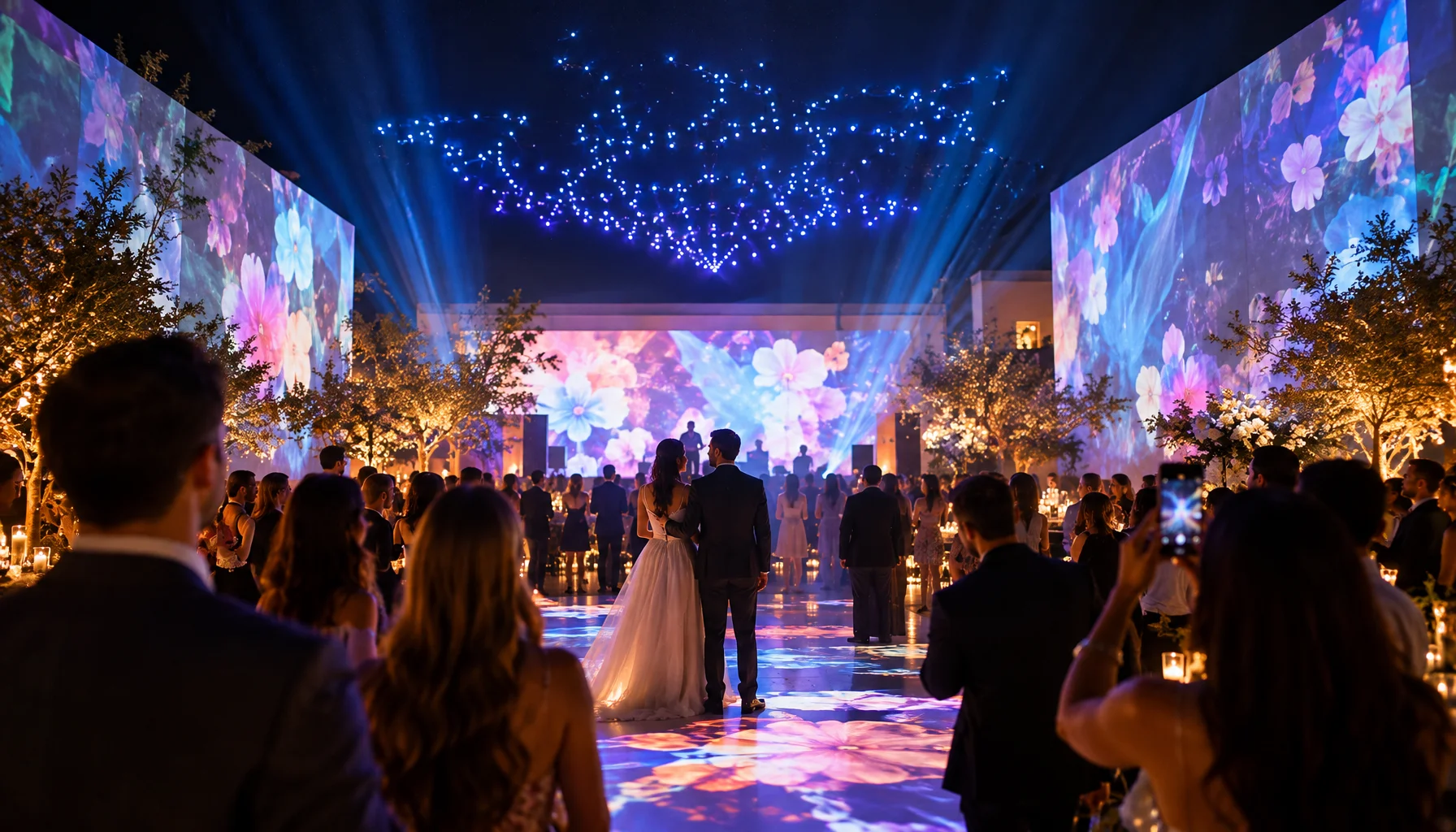
Designing a Wedding Guests Can Enter: Light, Sound, Projection and Participation
The most memorable wedding experiences are rarely created by one spectacular device. They emerge when space, light, sound, movement and participation change together at the right moment. This guide explores projection mapping, interactive environments, spatial sound, drone shows and experiential choreography — and how to design them around the people in the room rather than the technology behind them.
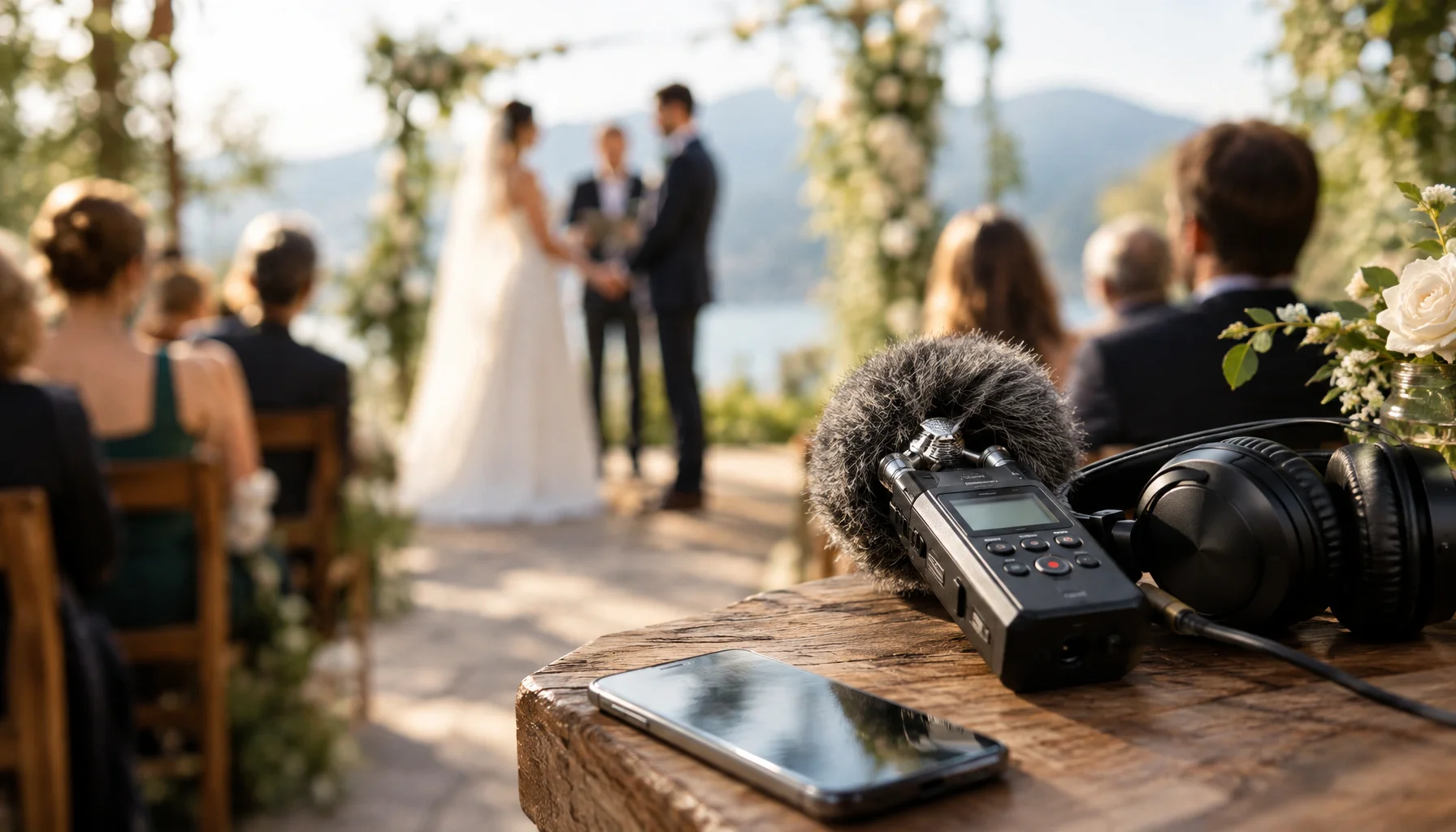
The Wedding You Can Hear Again: Voice, Room Tone and the Audio Memory of a Day
A wedding is remembered through images, but voices disappear differently. Vows, laughter, pauses, speeches, room tone and messages from guests can become an audio archive of people as they actually sounded on one particular day. This guide explores what is worth recording, how wedding audio is captured, and how to preserve it as more than an accessory to film.